

Explainer Video Storyboard: Examples & Checklist
The storyboard is where an explainer video stops being words and starts being a film. It’s also the last point where changing your mind is cheap.
This guide covers what goes into an explainer video storyboard, how it differs from a script, style frames and an animatic, a copyable template, a worked example built from a sample script, and the checklist we’d use to review boards if we were the client. If you haven’t locked the words yet, start with how to write a video script.
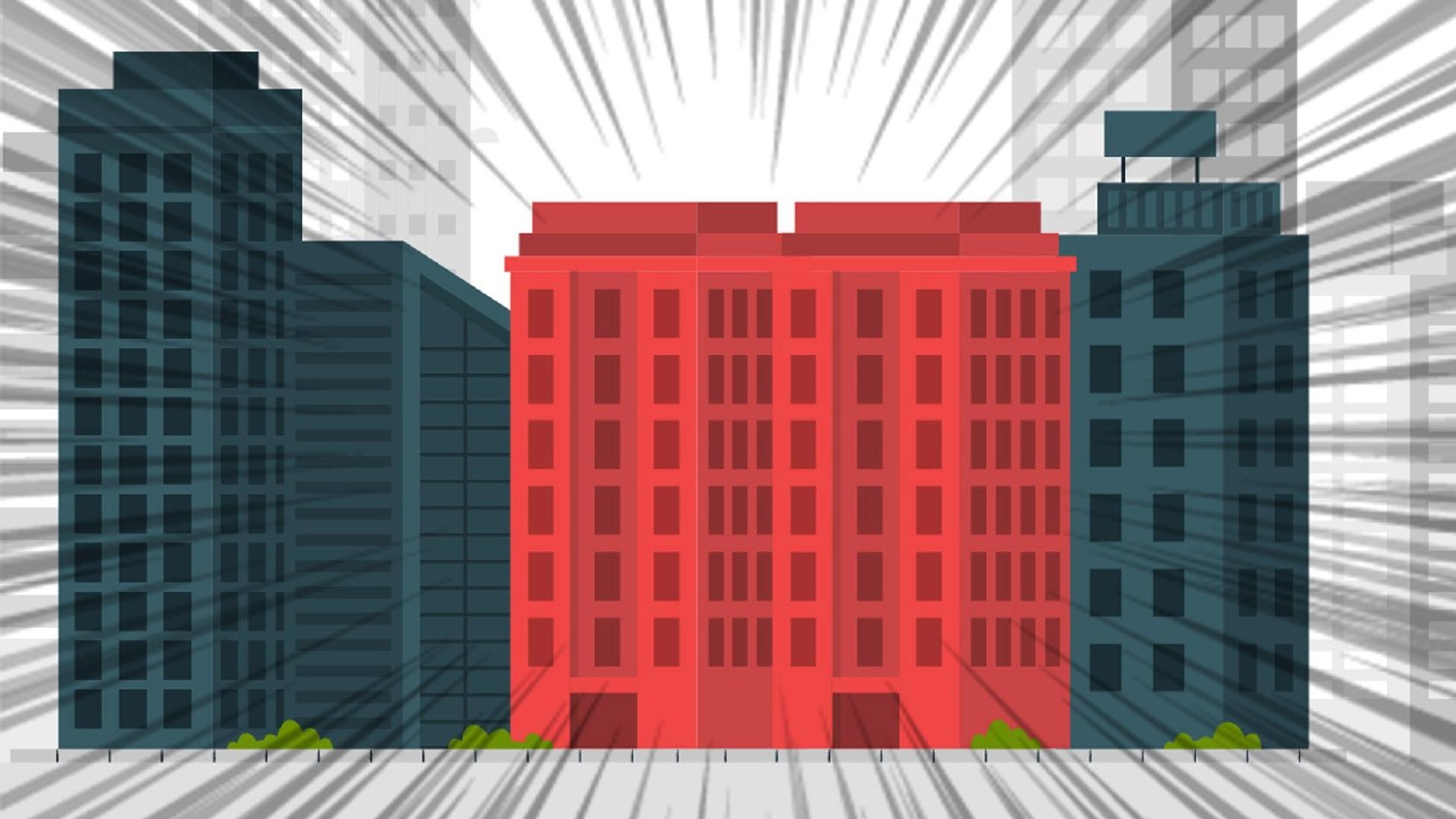
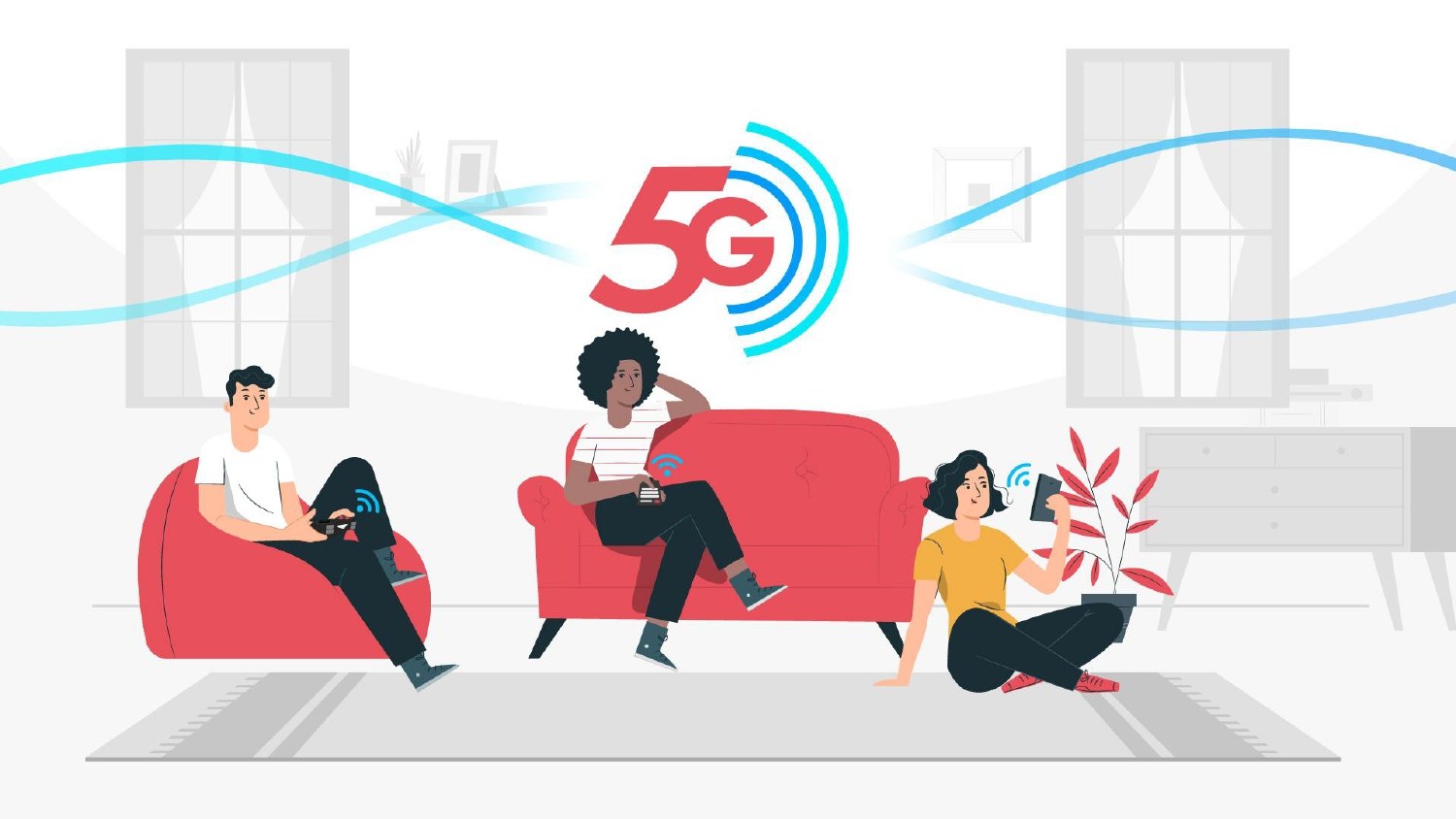
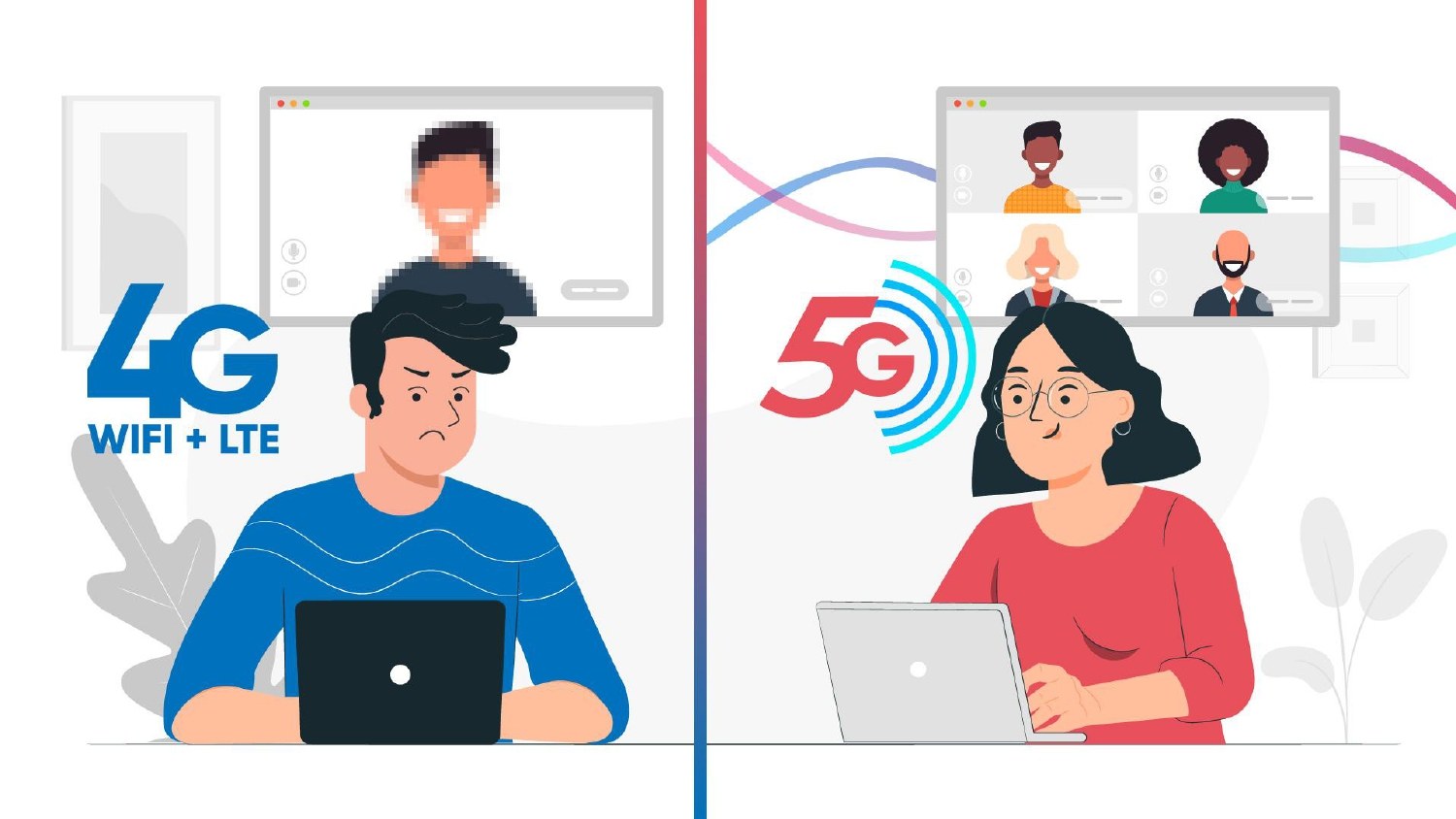
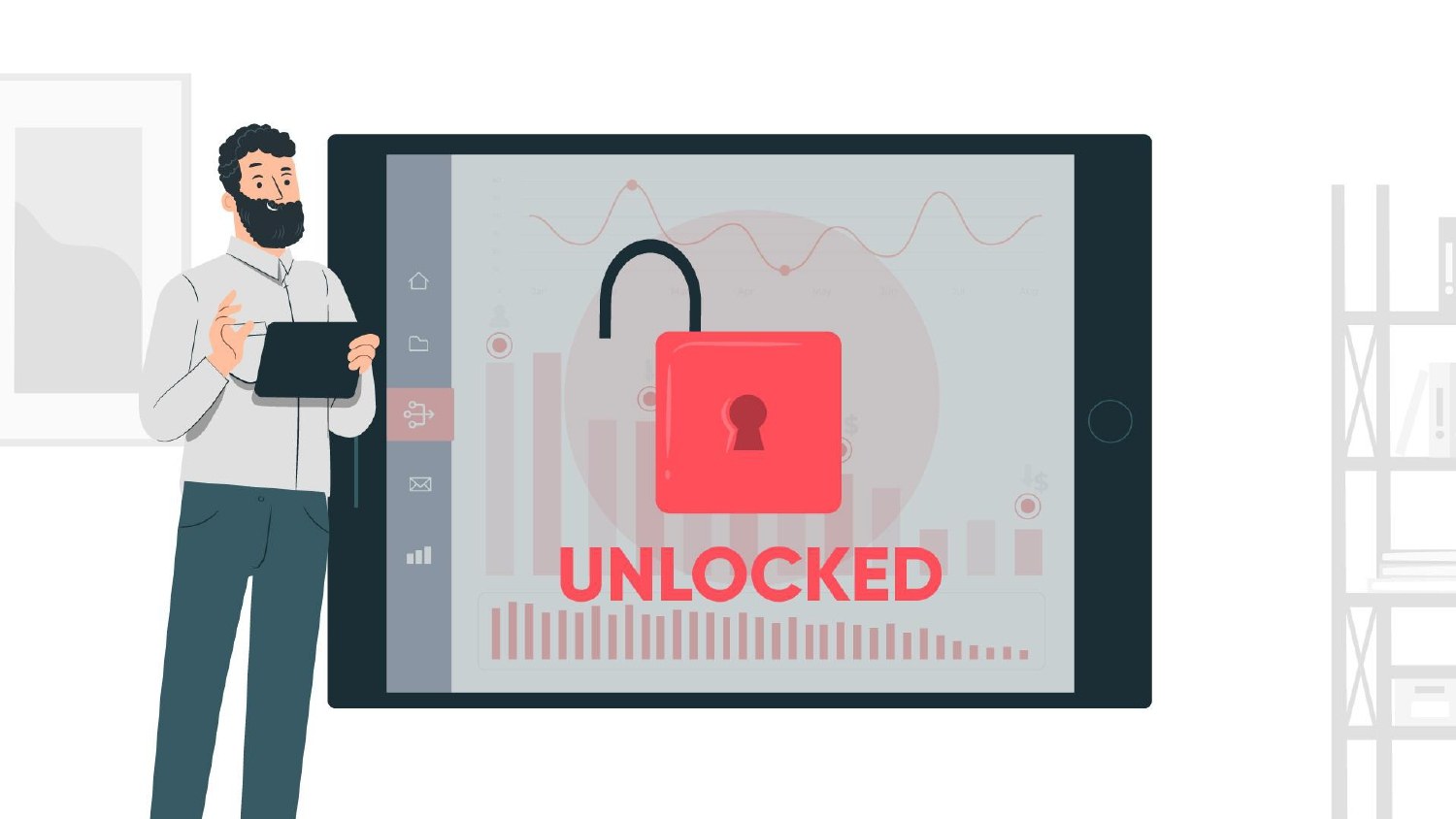
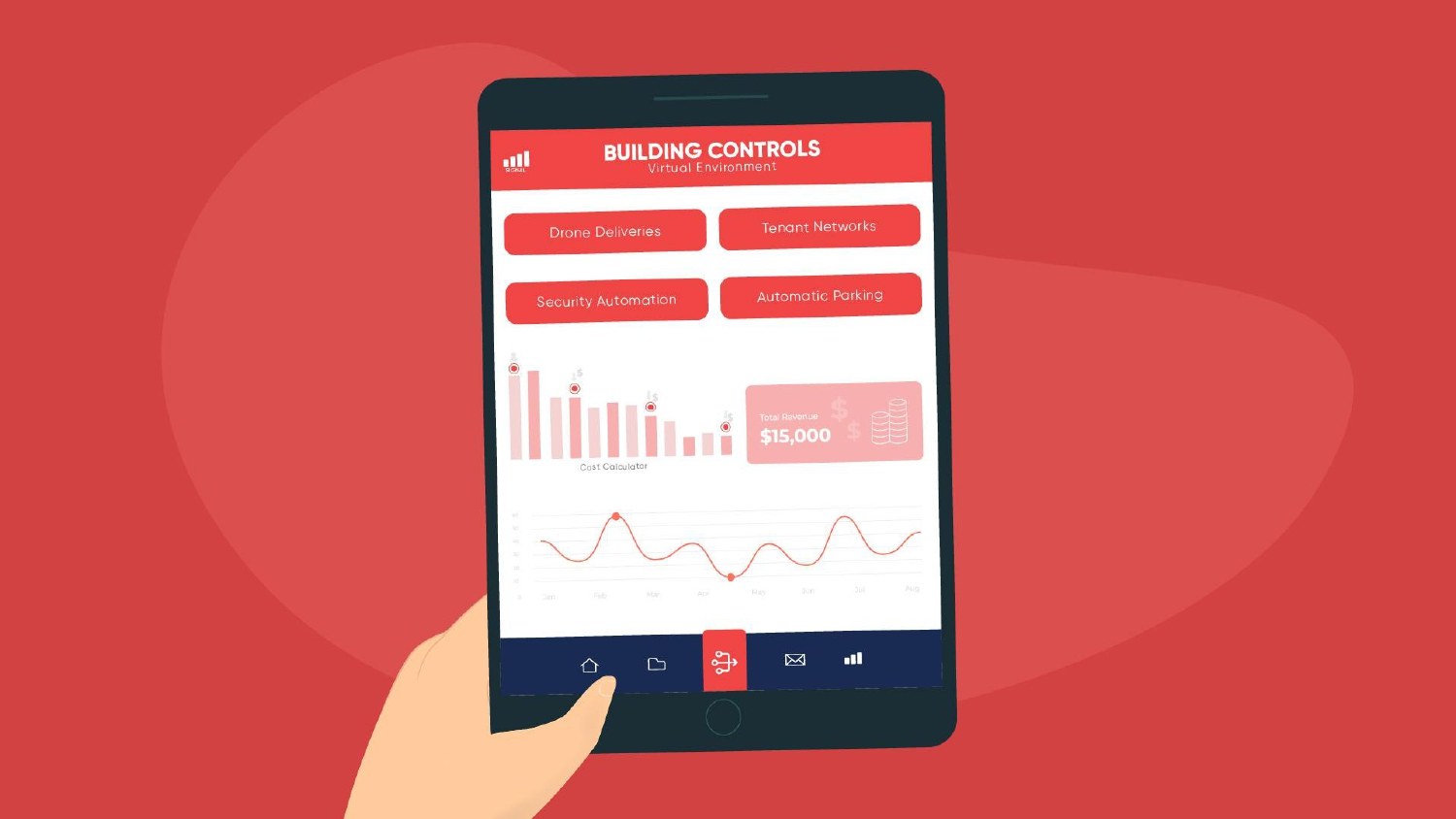
Ten frames from a real explainer storyboard, in the order they play (1 to 5 here, 6 to 10 further down). These are illustrated storyboard pages from one of our past projects, with the artwork drawn at the quality the client signs off. Swipe sideways, or use the buttons.


What is an explainer video storyboard?
An explainer video storyboard is a frame-by-frame plan of the film: a rough drawing for each shot, the voiceover line it sits under, any on-screen text and notes on movement. It comes after the script is locked and before animation starts, and it's the cheapest place to change what the viewer will see.
Think of it as the script’s visual column, drawn. The drawings don’t need to be beautiful. They need to make the story, the framing and the order of ideas obvious to everyone who has to sign off.
Script, storyboard, style frames and animatic: what’s the difference?
Four documents get confused in almost every first project. Each has its own job.
| Stage | What it is | What you’re approving |
| Script | The voiceover words plus a visual column, scene by scene | The message, the order and the length |
| Storyboard | A rough drawing per shot, with the VO line, on-screen text and motion notes | What the viewer sees and when |
| Style frames | A few fully designed stills in the final look | Colour, characters, type and finish |
| Animatic | The boards cut to a guide voiceover so you can feel the timing | Pace and timing before animation |
Some projects merge stages, and simple films may skip the animatic. If you want the detail on that last step, see our guide on how to make an animatic.
What goes in each storyboard frame
Every frame on an explainer storyboard should answer five questions:
- What do we see? A rough sketch of the shot: characters, product, setting, framing.
- What do we hear? The exact voiceover line from the locked script, plus any key sound effect.
- What text is on screen? A product name, a number or a label. Keep it short.
- What moves? Arrows and notes for camera moves, transitions and anything that animates.
- How long does it hold? A rough time, taken from the voiceover line it sits under.
One frame per visual change is the rule of thumb. A single voiceover line might need two or three frames if the picture changes under it, and two short lines might share one if nothing moves.
An explainer video storyboard template
Copy this into a document, a spreadsheet or a slide deck, one row per frame. The sketch column can be a pencil drawing photographed on a phone; nobody is grading the artwork.
| Frame | Sketch (what we see) | Voiceover line | On-screen text | Motion and notes | Time |
| 1 | Wide shot of the setting and the main character | First line of the script | None, or a short title | Slow push in | 0:00–0:04 |
| 2 | Close-up on the problem | Second line | One key word or number | Cut, not a move | 0:04–0:08 |
| 3 | The product enters as the turning point | The solution line | Product name | Transition from the problem shot | 0:08–0:14 |
| … | One row per visual change | … | … | … | … |
| Last | Logo and call to action | The CTA line | URL or button text | Hold long enough to read | Final 3–5 s |
Number every frame. When feedback comes in, “frame 7, make the phone bigger” is far easier to act on than “the bit near the middle”.
Example: from script to storyboard
In our video script guide we wrote a 60-second script for Rotawise, a fictional rota app. Here’s how the first half of that script breaks into boards.
| Frame | Sketch | Voiceover | Notes |
| 1 | Wide: a café after closing, one light on. Maya at a laptop | “It’s Sunday night, and Maya’s still building next week’s rota.” | Slow push in towards Maya |
| 2 | Over the shoulder: the screen is a spreadsheet of red cells | (continues) | Hold. Let the red cells read |
| 3 | Close-up: her phone buzzing with swap requests | “Holiday requests in one inbox. Shift swaps in another.” | Notifications stack up in time with the VO |
| 4 | A sticky note on the laptop: “Who’s on Friday??” | “And someone always ends up working three closes in a row.” | Quick cut; small comic beat |
| 5 | The spreadsheet folds away; the Rotawise app opens on her phone | “Meet Rotawise. It builds a fair rota for you, in minutes.” | Transition: spreadsheet folds into the phone screen |
| 6 | Close-up on the app: staff names filling a week grid | (continues) | Grid fills left to right |
Six frames for about 20 seconds of film. Notice how frame 2 has no new voiceover at all: the picture carries the problem, so the narrator doesn’t have to.
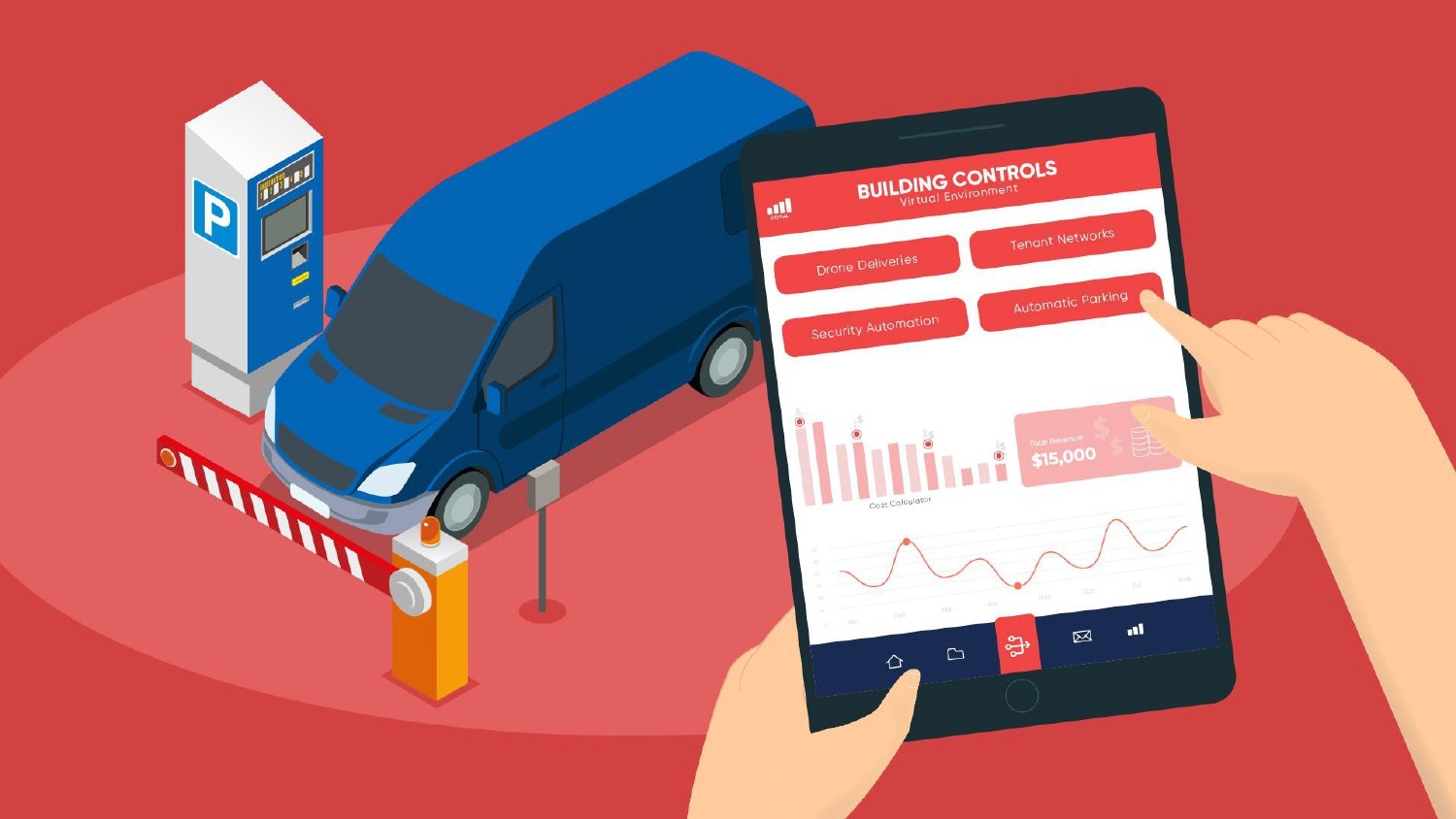
We’ve put ten frames from a real explainer storyboard in two sliders: frames 1 to 5 near the top of this guide and frames 6 to 10 just below. They’re all from the same film, in the order they play. They’re illustrated storyboard pages rather than pencil sketches, so they look more finished than the sketch column in the template, but each one is a single beat of the film, as the board sets it out. They’re not from the fictional Rotawise script above, so read them as examples of the same beats (wide shot, push in, problem, turning point, close) rather than a frame-for-frame match.
Frames 6 to 10 of the same storyboard. The story turns from the problem to the solution, then shows it working. Swipe sideways, or use the buttons.


The storyboard review checklist
When boards arrive for sign-off, work through this list. It’s the review we’d want from a client, and it catches most of the problems that are expensive to fix later.
- Does every frame serve the one-sentence message? If a frame exists only to show a feature someone asked for, question it.
- Can you follow the story with the sound off? Cover the voiceover column and read the sketches alone.
- Is the product clear the first time it appears? The viewer should know what it is without a caption.
- Is the on-screen text short and spelt correctly? Product names, numbers and legal lines included.
- Are the characters and settings right for your audience? Roles, sectors, devices and locations should look like your customers’ world.
- Does the call to action match the page the video will live on? The final frame should say exactly what the page asks for.
- Is anything legally or clinically sensitive? Claims, data, devices and patient scenarios need sign-off from whoever owns them, at this stage.
- Is the timing realistic? Add up the frame times and compare them with the script’s word count. See how long an explainer video should be.
- Is all the feedback in one place? Consolidate comments from every stakeholder into one numbered list before you send it back.
Shot rules that keep explainers clear
Explainers aren’t feature films, but the same visual grammar keeps viewers oriented. These are the rules our artists work to.
Every cut needs a reason
Cut to a new shot when the viewer needs to look at something new. A close-up should mean “this matters”. If nothing new matters, hold the shot.
Move the camera only with purpose
A slow push in can build focus, and a move can follow the action. Constant drifting just makes a 2D explainer feel busy, and it costs animation time without adding meaning.
Fill the frame with the point
Make the main subject big enough to read on a phone. Use foreground elements and over-the-shoulder shots for depth, and avoid tiny characters lost in empty backgrounds unless the emptiness is the point.
Keep to one side of the action
When two characters talk, draw an imaginary line between them and keep the camera on one side of it. Crossing that line flips who’s on the left, and viewers lose track of the conversation.
Keep angles simple
Extreme high and low angles are rarely needed in a business explainer, and they add complexity in animation. Choose them when they tell the story, not for decoration.
Write clear notes for the animators
Arrows for movement, captions for timing and sync points (“the graph rises as the VO says ‘growth'”). The clearer the boards, the closer the animation lands on the first pass.
Watch continuity
If the phone is in Maya’s right hand in frame 3, it’s in her right hand in frame 4. In a 60-second film, viewers notice more than you’d think.
How storyboarding works on our projects
At Animation Explainers, boards come after you’ve signed off the script, alongside style direction, and before voiceover and animation. You review them, we revise, and you sign them off before anything moves. It’s the same sign-off at each major stage that runs through our animation process.
Boards matter most when accuracy matters most. For SkinBioTherapeutics we produced storyboards and a plain-language script for films about a probiotic supplement that works through the gut-skin axis, and the research behind them had to be scientifically accurate to the finest detail. There’s more on that project on our medical animation videos page.
Our process video shows where boards sit in the full journey from brief to finished film.
Once the boards are locked, the voiceover is recorded against the same script. We cover casting and briefing in our post on how voice-over can augment animation explainer videos. For the bigger picture of how an explainer comes together, see the explainer video guide.
Common storyboard mistakes
- Boarding an unlocked script. Every script change after this point means redrawing frames. Lock the words first.
- Approving the artwork, not the story. Boards are rough on purpose. Judge framing and clarity, not drawing quality; the look is set in style frames.
- Feedback by committee. Five people commenting separately on different versions produces contradictions. One consolidated list, one owner.
- Too much on-screen text. If a frame needs a paragraph to make sense, the picture isn’t doing its job.
- Skipping the mute test. Many people watch with the sound off. The boards should tell the story without the voiceover.
- Leaving big changes until animation. Moving a scene in a storyboard takes minutes. Moving it after animation means new frames, new timing and often a new voice session.
What does storyboarding cost?
In a studio project, storyboarding isn’t a separate line item. It’s part of pre-production, alongside the script, style frames and voiceover casting, and that work is largely fixed whatever the runtime. Its real value is what it saves: every change made at board stage is a change you don’t pay to animate twice.
Studio projects at Animation Explainers typically sit in the $6,000 to $35,000 and beyond band. Length, style, custom assets, revisions and languages move a quote more than the boards do. For the full breakdown, read how much an explainer video costs, or see how we work as an explainer video production studio.
Soft next steps
Have a script and want to see it as boards? Send it over. Browse our portfolio for finished films, or contact us and book a meeting from that page. We’ll tell you how we’d break it into frames, and what we’d show instead of say.
FAQ
What is an explainer video storyboard?
A frame-by-frame plan of the film: a rough sketch of each shot with the voiceover line, on-screen text and motion notes underneath. It’s made after the script is locked and before animation, so everyone can agree what the viewer will see while changes are still quick and cheap.
How many frames does a 60-second explainer storyboard need?
There’s no fixed number. The rule of thumb is one frame per visual change, so it depends on how often the picture changes rather than on runtime alone. A calm, simple film needs fewer frames than a fast one with lots of cuts. Number every frame so feedback is easy to give.
What is the difference between a storyboard and an animatic?
A storyboard is a set of still frames with notes. An animatic cuts those frames together to a guide voiceover so you can feel the timing and pace before animation starts. Not every project needs one. Our guide on how to make an animatic explains when it’s worth it.
What is the difference between a script and a storyboard?
The script fixes the words and describes the visuals in outline. The storyboard draws those visuals, shot by shot, and times them against the voiceover. Lock the script first; changing words after boards are drawn means redrawing frames. See how to write a video script.
Do I need to draw my own storyboard?
No. In a studio project, our artists draw the boards from your signed-off script. If you’re planning a film yourself, stick figures and boxes are fine. A storyboard has to be clear, not pretty; the final look is set separately in style frames.
What should I check when reviewing a storyboard?
Check that every frame serves the one-sentence message, the story works with the sound off, the product is clear on first appearance, the on-screen text is short and correct, the audience will recognise the characters and settings, and the final frame matches your call to action. Send one consolidated list of feedback.
Can I change the storyboard after it’s approved?
You can, but changes cost more the later they come. Before animation, a change is a redraw. After animation, it means new frames, new timing and sometimes a new voiceover session. That’s why we ask for sign-off at each major stage before moving on.
Is a storyboard template enough to plan an explainer video?
A template gives you the structure: frame number, sketch, voiceover line, on-screen text, motion notes and time. It works best with a locked script and one owner for feedback. For a studio-made film, we produce the boards for you and walk you through them before animation.

What is an explainer video storyboard?
A frame-by-frame plan of the film: a rough sketch of each shot with the voiceover line, on-screen text and motion notes underneath. It’s made after the script is locked and before animation, so everyone can agree what the viewer will see while changes are still quick and cheap.
How many frames does a 60-second explainer storyboard need?
There’s no fixed number. The rule of thumb is one frame per visual change, so it depends on how often the picture changes rather than on runtime alone. A calm, simple film needs fewer frames than a fast one with lots of cuts. Number every frame so feedback is easy to give.
What is the difference between a storyboard and an animatic?
A storyboard is a set of still frames with notes. An animatic cuts those frames together to a guide voiceover so you can feel the timing and pace before animation starts. Not every project needs one. Our guide on how to make an animatic explains when it’s worth it.
What is the difference between a script and a storyboard?
The script fixes the words and describes the visuals in outline. The storyboard draws those visuals, shot by shot, and times them against the voiceover. Lock the script first; changing words after boards are drawn means redrawing frames. See how to write a video script.
Do I need to draw my own storyboard?
No. In a studio project, our artists draw the boards from your signed-off script. If you’re planning a film yourself, stick figures and boxes are fine. A storyboard has to be clear, not pretty; the final look is set separately in style frames.
What should I check when reviewing a storyboard?
Check that every frame serves the one-sentence message, the story works with the sound off, the product is clear on first appearance, the on-screen text is short and correct, the audience will recognise the characters and settings, and the final frame matches your call to action. Send one consolidated list of feedback.
Can I change the storyboard after it’s approved?
You can, but changes cost more the later they come. Before animation, a change is a redraw. After animation, it means new frames, new timing and sometimes a new voiceover session. That’s why we ask for sign-off at each major stage before moving on.
Is a storyboard template enough to plan an explainer video?
A template gives you the structure: frame number, sketch, voiceover line, on-screen text, motion notes and time. It works best with a locked script and one owner for feedback. For a studio-made film, we produce the boards for you and walk you through them before animation.